Android TV & Google TV
Android TV gives you the best player available. TiviMate is worth the paid tier if you watch live hockey.
Published August 1, 2026Edited September 10, 2026
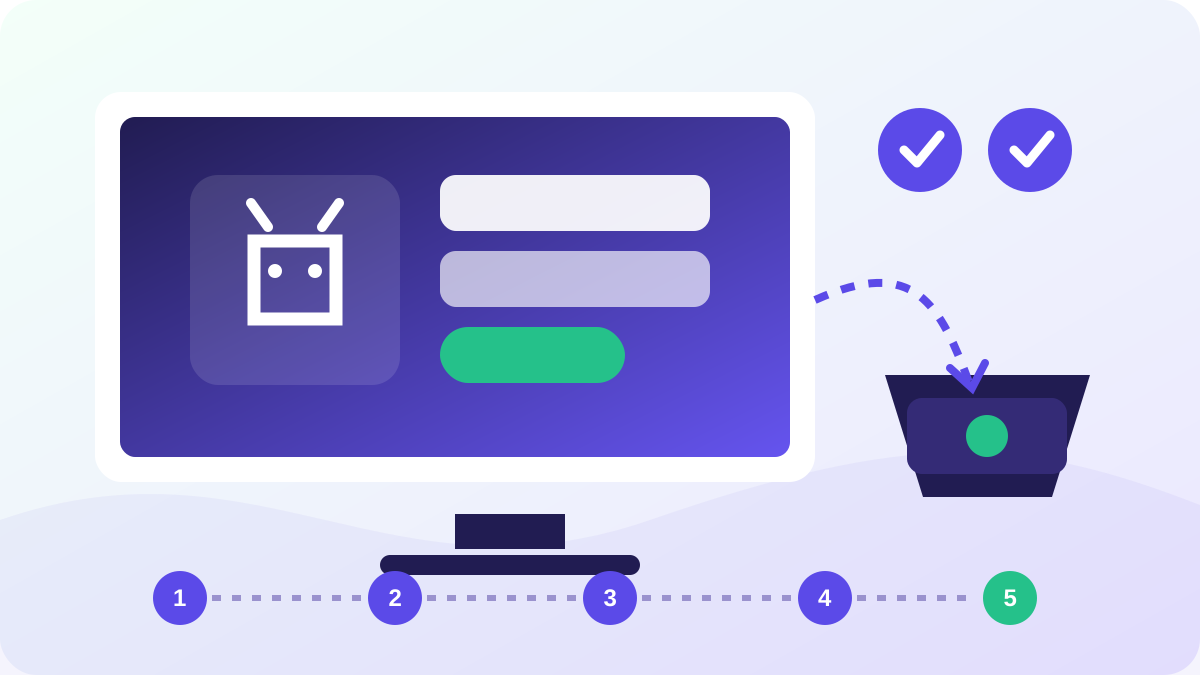
Five steps
Install TiviMate
Available in the Google Play Store on any Android TV, Google TV, Nvidia Shield or Xiaomi box.
Add a playlist
TiviMate → Add playlist → Xtream Codes, then enter your server URL, username and password.
Enable the EPG
The guide loads from the same credentials. Set updates to every six hours.
Build a favourites group
Long-press a channel to add it to Favourites — worth doing for the regional hockey feeds you actually watch.
Turn on hardware decoding
Settings → Playback → Decoder → Hardware. On older boxes this is the biggest fix for stutter on 4K feeds.
The full Android TV & Google TV walk-through
Android boxes are the most capable option here and the least predictable, because the category covers everything from a Google-certified Shield to an unbranded box shipped with modified firmware. The setup is easy. Choosing the box, and resisting the urge to reflash it, is the part that goes wrong.
Certified or not, and why it matters
If your box has the Google Play Store, you have a certified device and installing a player takes two minutes. If it does not, you are on a generic Android build and will need to sideload, which works but leaves you without automatic updates.
| Kind of box | Player install | Watch out for |
|---|---|---|
| Nvidia Shield | Play Store | Nothing. Best-behaved device in this category. |
| Google TV / Chromecast | Play Store | Remote has no numeric keys; pasting is easier. |
| Xiaomi, Onn, Walmart-tier | Play Store | Limited storage. Keep two or three apps, not ten. |
| Unbranded box | Sideload | Preinstalled apps you did not ask for. Check before use. |
Xtream login, not a portal address
Android players ask you to add a playlist and then offer several formats. Choose the Xtream Codes option and enter the server address, username and password separately. The portal option in the same menu is for MAG-style boxes and will not accept what we send you.
The distinction trips up people arriving from a set-top box, where a single portal URL is the norm. If you are unsure which of the two you have been given, the M3U and Xtream explainer sets out the difference and what each one enables.
Turn on hardware decoding, but do it second
Hardware decoding is the setting that lets a modest box handle a 4K feed, and it is not always on by default. It is worth enabling on every device in this category.
Do it after the channel list has loaded successfully, though, not before. Changing decoder settings while a playlist is still importing is a good way to end up unsure whether a failure came from the login or the setting. Get a channel playing first, then tune.
Storage fills up quietly
- Budget boxes often ship with 8 GB, of which the system takes most.
- A player holding a large guide and its cache can occupy well over a gigabyte after a few weeks.
- Symptoms are the box slowing down or the guide refusing to refresh, neither of which looks like a storage problem.
- Clear the player's cache from Android's own app settings, not from inside the player.
Household connections
A phone or tablet logged into the same line counts against your simultaneous connection limit. That is fine and it is what the allowance is for, but it explains a specific and confusing symptom: the living room stops working at the moment someone else opens the app upstairs. If streams start failing for no apparent reason, count the devices that are signed in before reporting a fault.
If it still will not play
Work through the buffering guide before contacting us. If every channel fails on every device, that is worth reporting rather than troubleshooting further.