iPhone, iPad & Apple TV
Apple's App Store review means every iOS player is vetted, which makes this the safest and quickest device to set up.
Published August 1, 2026Edited September 10, 2026
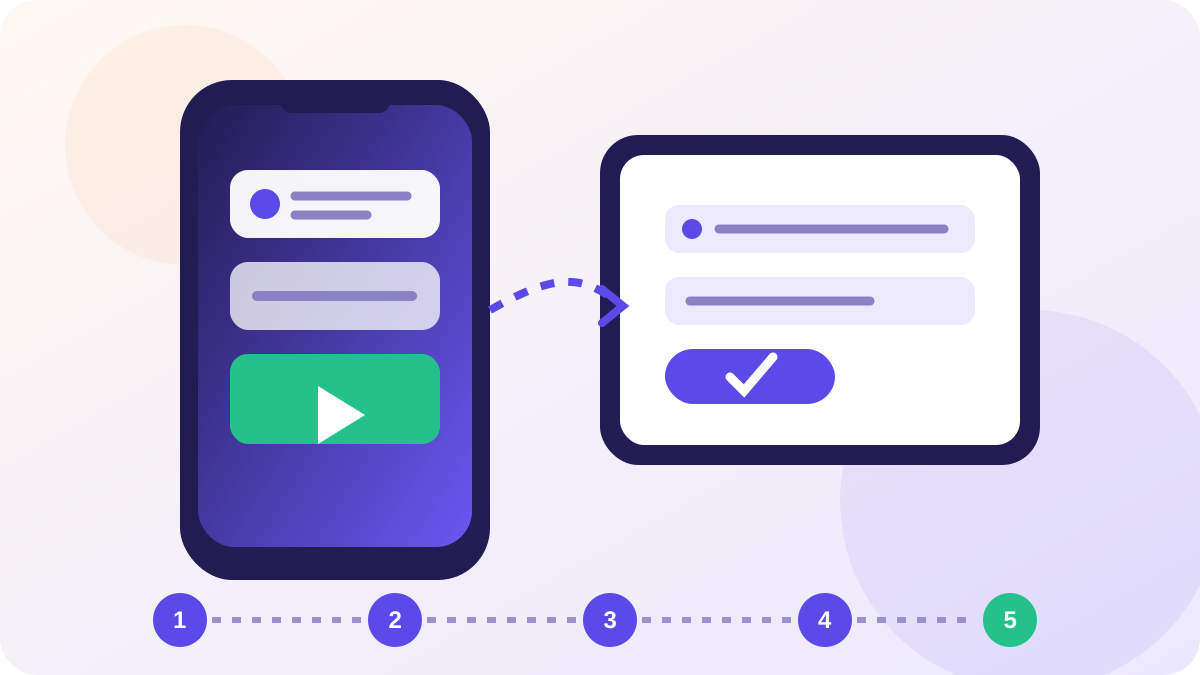
Five steps
Install a player
GSE Smart IPTV on iPhone and iPad, or iPlayTV on Apple TV. Both are in the App Store.
Choose Xtream Codes login
In GSE, open the side menu → Xtream Codes API, then tap the plus button.
Enter your details
Name the playlist anything, then paste the server URL, username and password from your email.
Allow local network access
iOS asks once. Say yes, or the player cannot reach the stream over your home Wi-Fi.
Enable AirPlay for the big screen
Swipe down, tap Screen Mirroring, pick your Apple TV. Quality holds up better over AirPlay than Chromecast.
The full iPhone, iPad & Apple TV walk-through
Apple is the most restrictive platform for this and the easiest to set up once you accept the restriction. There is no sideloading on iOS or tvOS. Whatever is in the App Store is what you can have, and that list changes without notice.
Search by category, not by app name
IPTV players get pulled from the App Store periodically and often return under a slightly different name. Searching for one specific app you read about in a year-old article will frequently return nothing, which reads as though the platform cannot do this at all.
Search for the category instead and look at what is actually listed today. Any player that accepts either an Xtream login or an M3U address will work with your line. Nothing about your subscription is tied to a particular app.
The guide is a second, separate paste
This is the difference that catches people out on Apple hardware. On most platforms the programme guide arrives with the playlist. Several iOS and tvOS players treat them as two independent settings: your channels come from the login, and the guide comes from an EPG address you add separately.
So a working channel list with a completely empty guide is not a broken subscription. It usually means the EPG field is still empty. Add the address we sent alongside your credentials, then allow a few minutes for a large guide to download before judging it.
Which Apple device for which job
| Device | Good for | Limit |
|---|---|---|
| iPhone | Travel, a second screen, testing credentials | Screen size, and it uses a connection slot |
| iPad | Kitchen, bedroom, genuinely watchable | No Ethernet without an adapter |
| Apple TV 4K | Main television | Store-only, so the player choice is narrow |
| Mac | Diagnosing a stream quickly | Not a sofa device |
An honest note on the Apple TV: it is excellent hardware with the weakest player selection of any device here. If you want the best experience on your main television and already own an Apple TV, plugging a cheap streaming stick into a second HDMI port gets you a better player. Inelegant, and it is what a lot of people end up doing.
AirPlay is a stopgap
You can start a channel on an iPhone and AirPlay it to a television. It works, and it is a reasonable way to watch one match. It is not a setup: mirroring re-encodes the picture, drains the phone, and any notification you receive lands on the screen. Install a player on the television for anything you plan to do regularly.
Battery is the other constraint worth planning around. A live stream over cellular is one of the heaviest things a phone can do, and a full match will take a serious bite out of a charge.
If it still will not play
Work through the buffering guide before contacting us. If every channel fails on every device, that is worth reporting rather than troubleshooting further.