Amazon Fire TV Stick
The Fire TV Stick is how most UK subscribers watch, and the only device that needs a setting changed before you begin.
Published 1 August 2026Edited 10 September 2026
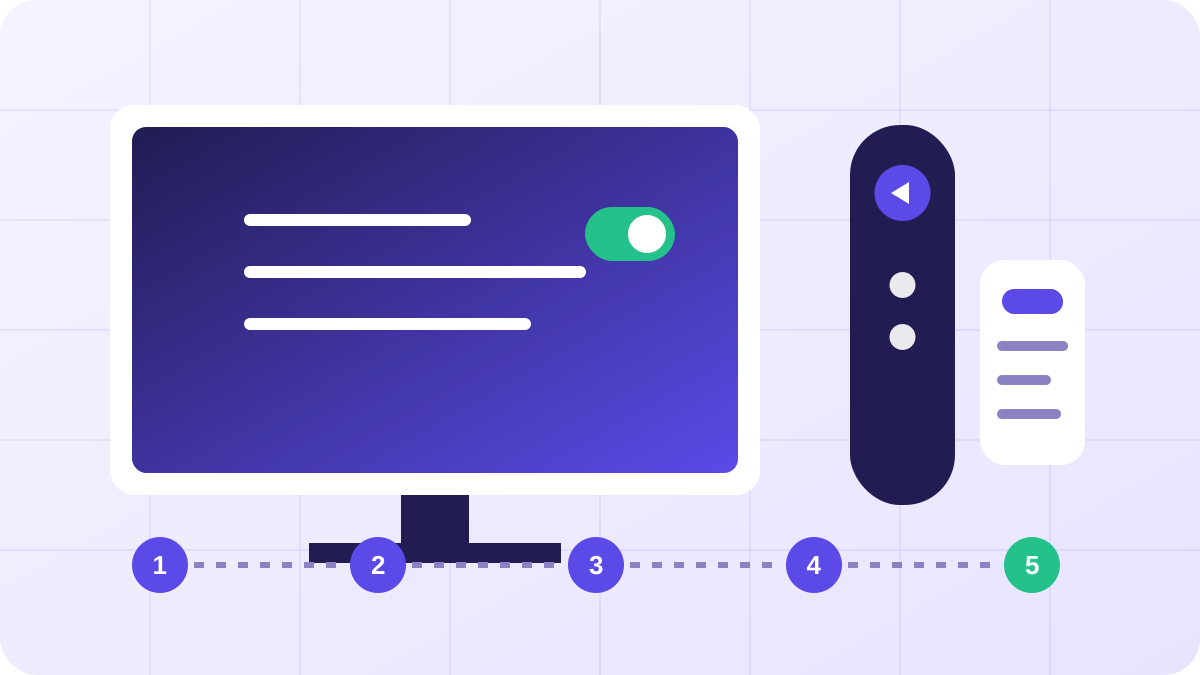
Five steps
Allow apps from unknown sources
Settings → My Fire TV → Developer Options, then switch on Apps from Unknown Sources. If Developer Options is not there, open Settings → My Fire TV → About and click the Fire TV Stick line seven times.
Install the Downloader app
Search the Fire TV store for Downloader and install it. It is free and published by AFTVnews.
Get the player
Open Downloader and enter the IPTV Smarters Pro address we send with your credentials, then install it.
Log in with Xtream Codes
Choose Login with Xtream Codes API and paste your username, password and server URL exactly as they appear in your email.
Let the guide load
Channels appear straight away, the EPG takes a couple of minutes on first launch. Leave it until programme names fill in.
The full Amazon Fire TV Stick walk-through
The Firestick is the device this goes wrong on most often, and almost never for the reason people assume. The credentials are usually fine. What fails is one of four things: the stick is still on its factory software, the permission toggle has moved, the HDMI port is the wrong one, or the hardware is a Lite and the player is too heavy for it.
Update the software before you touch anything else
Go to Settings → My Fire TV → About and run the update check there. A stick fresh out of the box, or one that has been unplugged in a drawer for a year, will accept an app install and then sit on a black screen when you open it. Ten minutes of patching here saves an evening of blaming the line.
While that runs, check which socket the stick is in. If it is in the soundbar's ARC port rather than a television input, you will get audio and no picture, or a picture that drops every few minutes. Move it to a TV input and keep ARC for the sound path.
The permission toggle keeps moving
Fire OS has relocated the sideload setting several times, and guides written a year ago send you to a menu that no longer exists. On current builds it is under Settings → My Fire TV → Developer Options, but on some it sits under Applications instead, and on others Developer Options is hidden until you open Settings → My Fire TV → About and click the device name seven times.
Rather than memorising a path, use the search in Settings and type the app name you are granting permission to. That survives Amazon reshuffling the menu.
Ignore the download codes in old videos
Search results are full of short numeric codes to type into Downloader. Those point at addresses that rotate, and a stale one either fails or fetches something you did not intend. Use the address we send with your credentials, and get Downloader itself from the Amazon store rather than from anywhere else.
You should also skip any build advertised as unlocked, cracked or gold. Those are repackaged apps carrying someone else's code, and you would be typing your subscription password into them.
Match the player to the hardware
This is the fix nobody mentions. Firesticks vary a great deal in memory, and a heavy programme grid on a 1 GB device will stutter even on a perfect connection.
| Model | Roughly | Sensible player |
|---|---|---|
| Fire TV Stick Lite | 1 GB RAM | A light player. Avoid large-grid guides. |
| Fire TV Stick (3rd gen) | 1 GB RAM | Light player, or a trimmed channel list |
| Fire TV Stick 4K | 1.5 GB RAM | Anything, including full-grid players |
| Fire TV Stick 4K Max | 2 GB RAM | Anything, comfortably |
| Fire TV Cube | 2 GB RAM | Anything, plus Ethernet on board |
If a Lite stutters on the guide but plays a channel cleanly once it opens, that is a memory ceiling rather than a network problem, and no amount of router restarting will move it. Hide the categories you do not watch, or use a lighter player.
When the list loads but nothing plays
- Check HTTP against HTTPS in the server address. They are not interchangeable, and a mismatch produces a full channel list with dead playback.
- Look for a trailing space on the password. Pasting from an email client adds one surprisingly often.
- If you have your line open on another device, you may be at your connection limit. Close the other one and retry.
- Try the M3U address instead of the Xtream login. If M3U works and Xtream does not, the port in the server address is usually wrong.
Stutter rather than failure is a different problem, and the buffering diagnostic works through it in the order that resolves most cases fastest. An Ethernet adapter is the single highest-yield fix for evening stutter on any Firestick that is not a Cube.
If it still will not play
Work through the buffering guide before contacting us. If every channel fails on every device, that is worth reporting rather than troubleshooting further.